
Top 10 Mistakes to Avoid in Your First Tech Pack And How to Fix Them.

A tech pack is not “nice-to-have.” It is your instruction manual for making a garment the right way, the first time. When your tech pack is weak, the factory has to guess. Guessing causes the same mess every time: extra sample rounds, delays, wrong trims or colors, fit problems, higher costs, and stress on both sides. Below are the 10 biggest mistakes first-time brands make, plus simple fixes you can apply today.
=> Read More: T Shirts Manufacturing Vietnam | Mekong Garment Factory
What a Tech Pack Is (And What It Is NOT)
A tech pack is the factory’s step-by-step guide for making your garment. It turns your design idea into clear instructions: what materials to use, how to build each part, what measurements to follow, and how the final product should be labeled and packed. It helps the factory produce your sample and bulk order with less guessing. A tech pack is a production document. It is NOT a mood board, a Canva mockup, a Pinterest collage, or a fashion sketch without technical specs. The core rule: “If a factory needs to interpret your intent, your tech pack is not ready.”
Tech Pack
A Tech Pack, short for Technical Package, is a set of documents that explains how a garment should be developed and manufactured. It converts a design idea into information that a factory can actually use. A typical Tech Pack may include:
- Style number
- Technical drawings
- Measurement specifications
- Points of Measure (POM)
- Measurement tolerances
- Fabric specifications
- Bill of Materials (BOM)
- Trim details
- Stitching and construction instructions
- Colorways
- Print or embroidery artwork
- Label placement
- Packaging instructions
- Revision history
The Tech Pack becomes one of the main references during: Development → Sampling → Approval → Bulk Production → Quality Control. It should evolve as the garment changes during development.

What a Tech Pack Is NOT
A Tech Pack should not be confused with a:
- Mood board
- Pinterest board
- Fashion illustration
- Canva presentation
- Product photo
- Colored mockup
- Rough hand sketch
These materials can help communicate the creative direction, but they do not provide enough technical information for reliable manufacturing. A mockup can show what you want the garment to look like. A Tech Pack should explain how that garment needs to be made. That difference is important.
How a Better Tech Pack Can Reduce Sampling Time
A Tech Pack cannot guarantee that the first sample will be approved. Fit and construction often require real physical testing. But a stronger Tech Pack can reduce avoidable corrections.
Weak Tech Pack
Factory receives:
- Fashion sketch
- Logo
- Fabric photo
- Basic size chart
The first sample may expose questions about construction, materials, dimensions, and placement.
Strong Tech Pack
Factory receives:
- Technical flats
- Clear POMs
- BOM
- Fabric specifications
- Construction notes
- Artwork dimensions
- Label placement
- Colorways
The first sample can focus more on actual fit and execution, rather than filling in missing information. That is a much more efficient use of the sample process.
10 Mistakes to Avoid in Your First Tech Pack
1) Mistaking a Mockup for a Tech Pack
One of the most common mistakes first-time brands make is sending a front-and-back mockup and expecting the factory to develop everything else. A factory may understand the overall appearance, but many technical questions remain. For example:
- How wide is the neckline?
- What stitch is used at the hem?
- What is the seam allowance?
- Is the shoulder seam reinforced?
- How deep is the pocket?
- What type of rib is required?
- Where exactly should the label be attached?
If these details are missing, the sample room has to make assumptions. Two factories may produce completely different garments from the same visual mockup.
=> Related Article: Why Is a Physical Sample More Important Than a Digital Design?
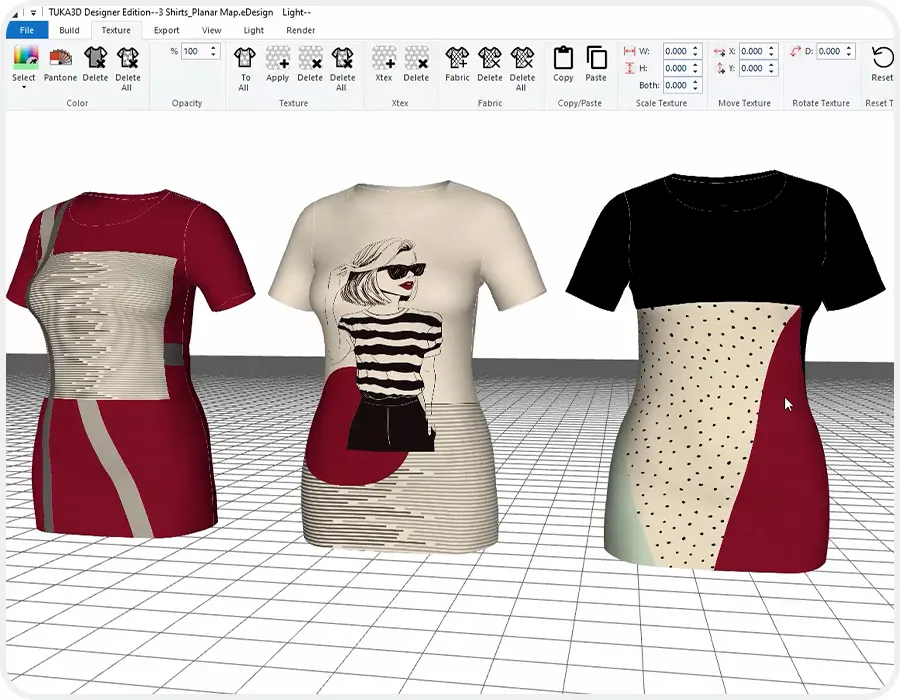
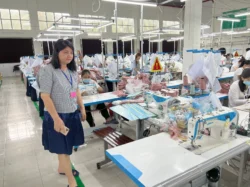
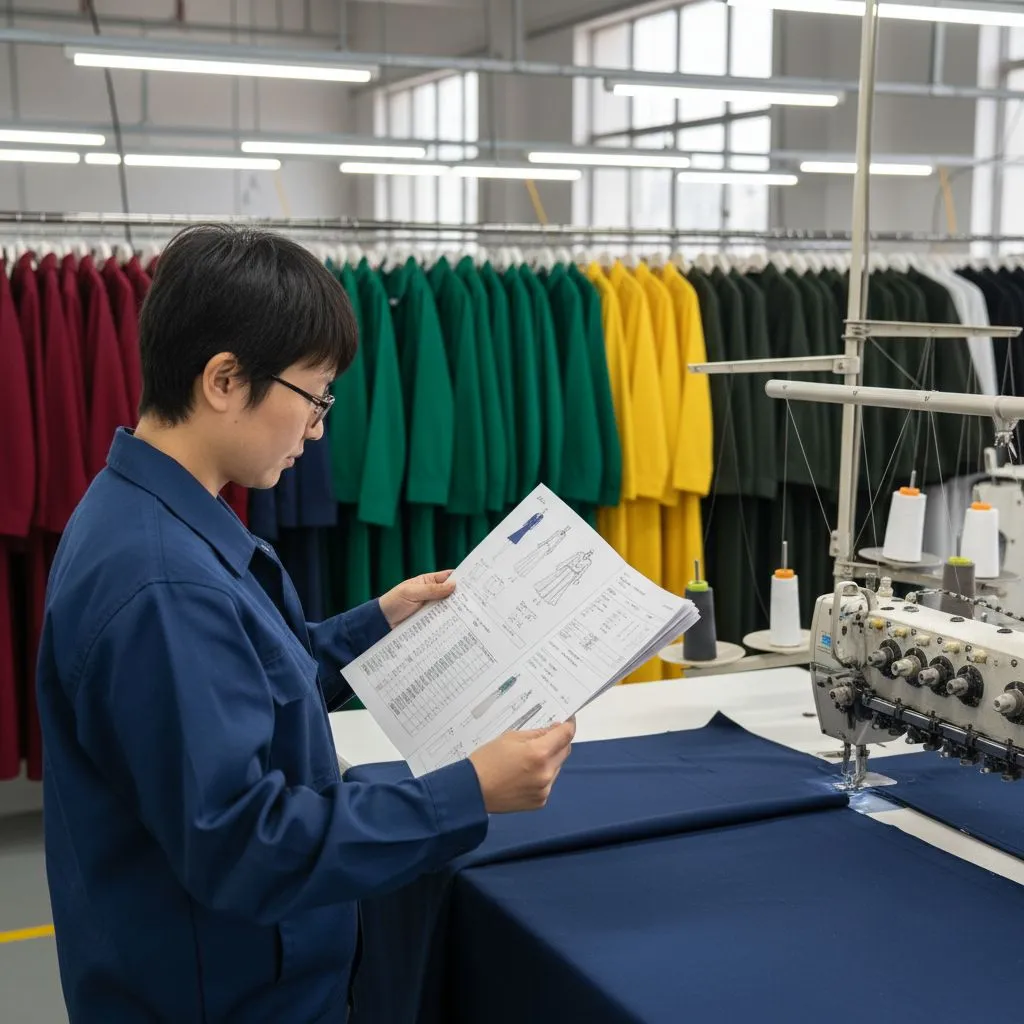
A mockup shows how the garment looks, but a factory can’t build a garment from “looks” alone. They need to know stitch types, seam allowances, and finishing steps to ensure the sample matches your design. Fix: Include technical flats (front + back) with construction callouts and a Bill of Materials (BOM).
=> How to Fix It: Add proper technical flats showing the front, back, and important construction details. Include callouts for:
- Seams
- Stitching
- Hems
- Pockets
- Collars
- Cuffs
- Closures
- Labels
- Special construction
Also include a Bill of Materials so the factory knows which components belong to the style. A good drawing should communicate construction—not just appearance.
2) Creating a Measurement Chart Without Clear POMs
Measurement charts are among the most important parts of a Tech Pack. But numbers alone are not enough. Imagine writing: Chest: 54 cm
The factory still needs to know:
- Is this measured flat or around the body?
- Is it measured 1 inch below the armhole?
- Is it measured directly at the armhole?
- Is the garment stretched or relaxed?
A small difference in measurement method can produce a very different fit.
=> How to Fix It: Define every Point of Measure (POM) clearly. For example: Chest Width: Measure straight across the garment, 2.5 cm below the armhole seam, from edge to edge. Your measurement page should ideally include:
- POM number
- Measurement description
- Base-size measurement
- Size grading
- Tolerance
A physical reference garment can also help the pattern team understand the intended fit.
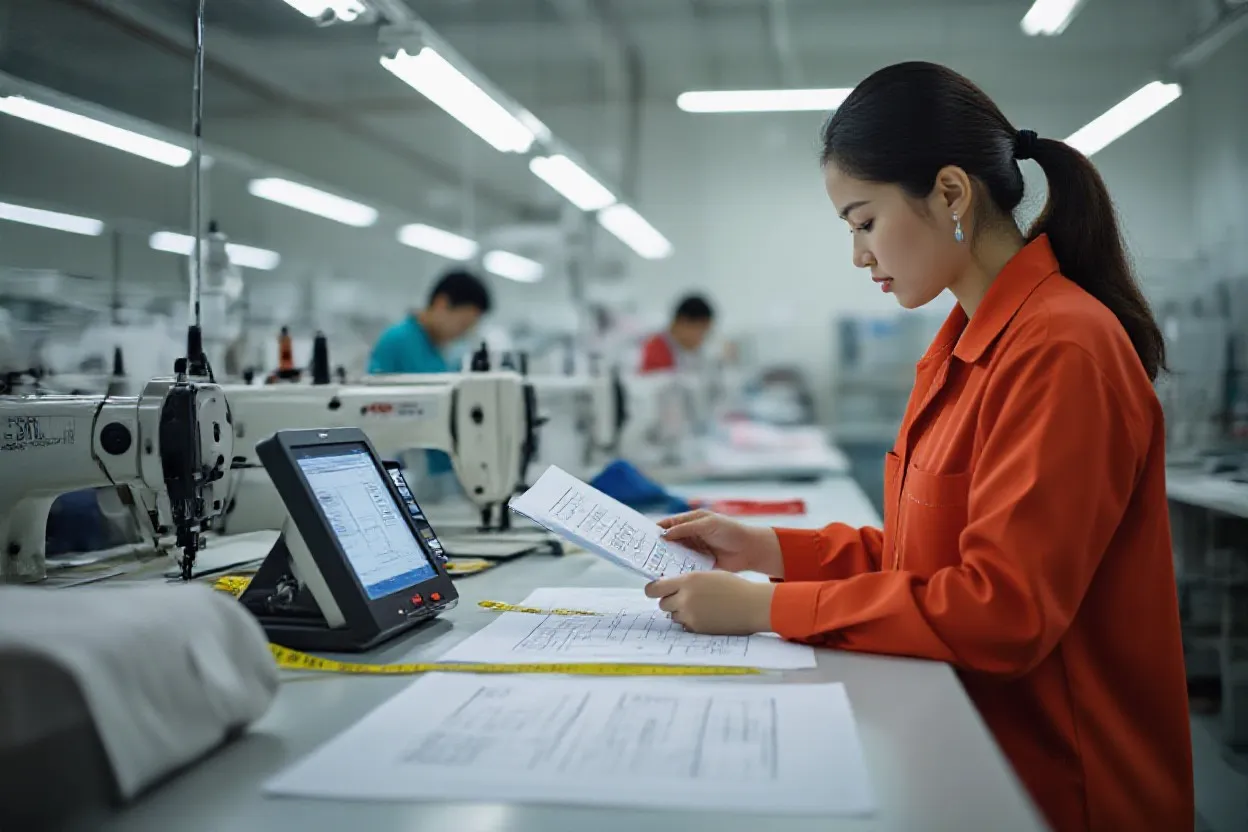
Defining points of measure (POM) incorrectly leads to multiple sample rounds. Don’t just give numbers; explain how to measure them (flat vs. around).
3) Using Unclear Technical Drawings
A beautiful fashion illustration may help sell an idea, but it can be difficult for a sewing team to interpret. Technical flats should show the garment clearly without unnecessary artistic effects.

Missing details often include:
- Topstitching
- Seam lines
- Dart positions
- Rib placement
- Pocket construction
- Binding
- Zipper positions
- Closure details
If these details are not visible, the factory may build them differently from what the designer intended.
=> Related Article: Garment Details That Are Often Missing From Tech Packs

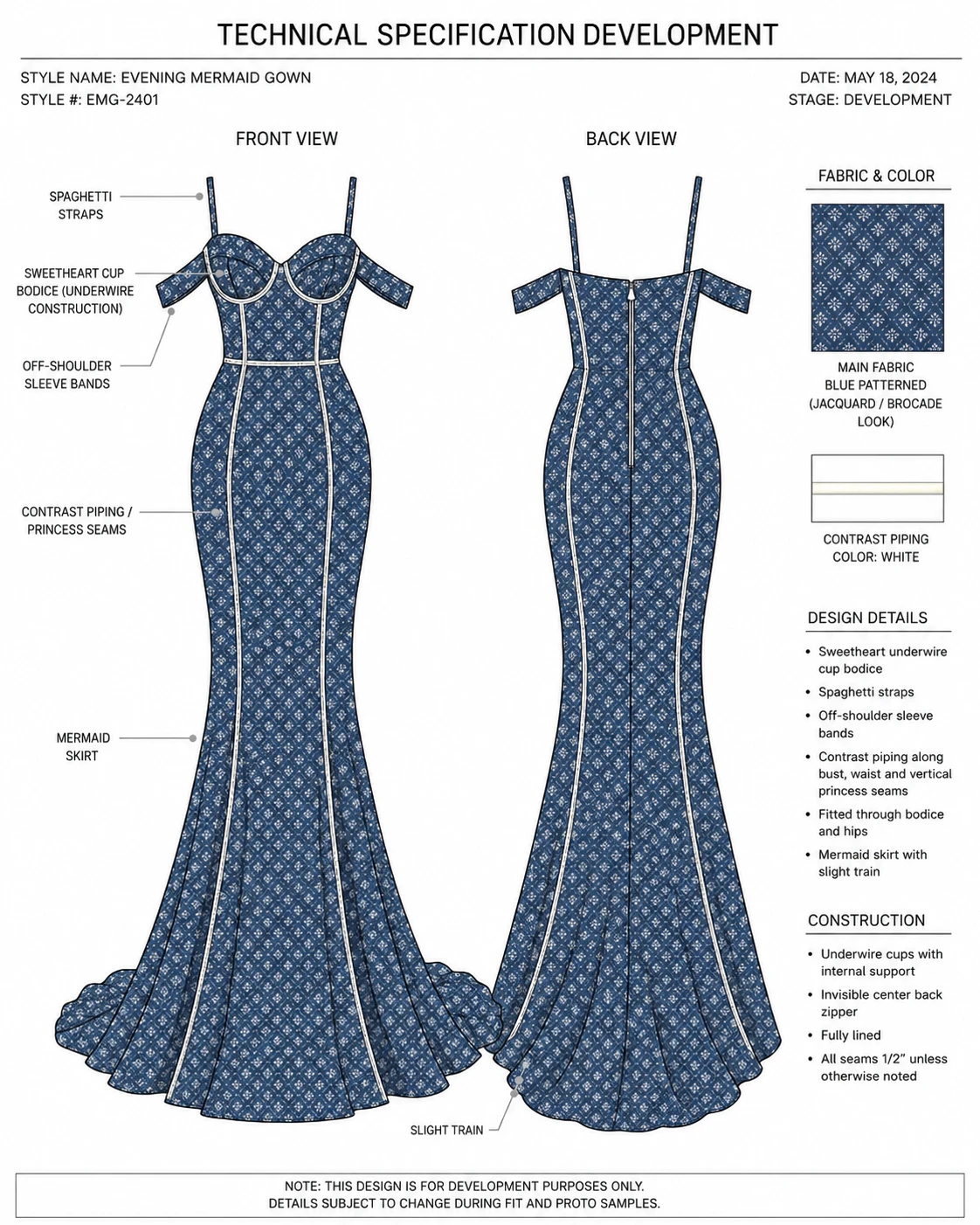
=> How to Fix It: Use clean black-and-white technical flats. Show:
- Front view
- Back view
- Important detail views
Zoom in on complicated areas when necessary. If a neckline, pocket, cuff, or zipper construction is unusual, create a separate detail drawing.
4) Allowing Conflicting Information Inside the Tech Pack
This mistake is more dangerous than missing information. Imagine:
- The BOM says black zipper.
- The colorway page says silver zipper.
- The sketch shows gold hardware.
Which one should the factory follow? Someone will eventually have to make a decision. If the factory chooses incorrectly, the buyer may reject the sample even though the document itself caused the confusion.
=> Related Article: Why Bulk Apparel Production Gets Delayed: Causes, Examples, and How to Prevent Them
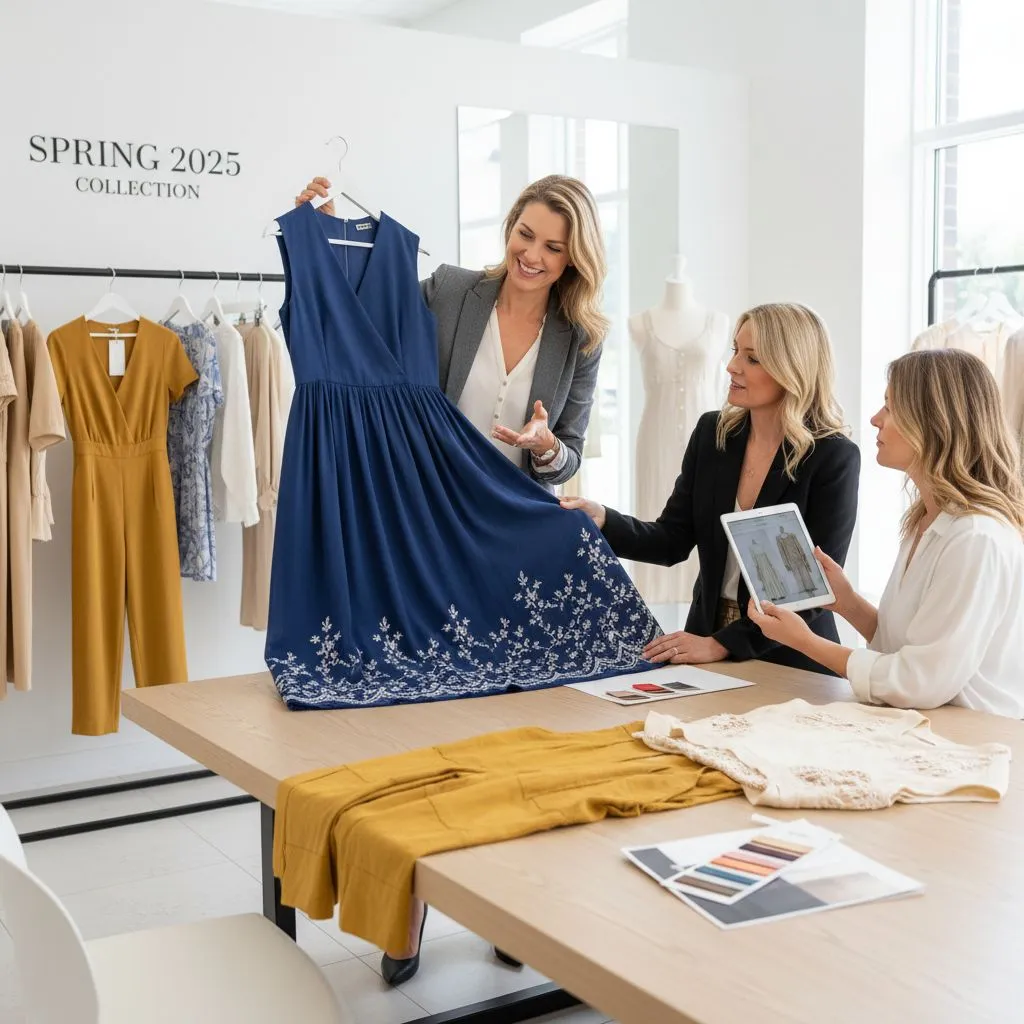
=> How to Fix It: Before sending the file, perform a consistency check. Review:
- Style number
- Style name
- Fabric code
- Color name
- Pantone reference
- Trim codes
- Measurements
- Artwork size
- Label information
- Construction notes
One approved requirement should appear consistently everywhere it is referenced. If information changes, update all related pages. This becomes even more important before bulk production.
5) Only Providing Colored Fashion Drawings
Color illustrations are useful for showing the final appearance of a garment. But they often hide the details the factory needs to see. Dark colors, prints, or graphics can make it difficult to identify:
- Seam placement
- Stitching
- Panel construction
- Pocket edges
- Darts
- Topstitching
=> How to Fix It – Use both: Technical Flats + Colorway Drawings The technical flats explain construction. The colored versions explain appearance. Do not force one drawing to perform both jobs.
6) Managing Colorways Poorly
A style with five colors is not always as simple as changing the body fabric color five times. Other components may also need to change. For example:
| Component | Black Colorway | White Colorway |
|---|---|---|
| Main Fabric | Black | White |
| Sewing Thread | Black | White |
| Zipper Tape | Black | White |
| Button | Matte Black | White |
| Embroidery | White | Black |
If these relationships are unclear, the factory may mix components between colorways.
How to Fix It – Create a clear Colorway Page or Colorway BOM. For every colorway, define:
- Main fabric color
- Contrast fabric
- Thread
- Rib
- Zipper
- Buttons
- Drawcord
- Embroidery
- Labels
- Other visible trims
Use consistent color names and references.
Do not rely on descriptions such as:
- Dark green
- Light beige
- Navy-ish blue
Where appropriate, provide approved color standards or references.
=> Related Article: Common Color Palettes Used in the Garment Industry
7) Hiding the Expected Order Quantity
Some new brands avoid sharing estimated quantity because they worry the factory may increase the price. In practice, withholding quantity often makes accurate costing harder. Production quantity affects:
- Fabric MOQ
- Trim MOQ
- Printing setup
- Cutting efficiency
- Sewing line planning
- Packaging
- Unit price
- Lead time
Producing 100 pieces and producing 10,000 pieces require different production planning.
How to Fix It – Tell the factory your realistic target quantity. For example:
- Development Quantity: Sample only
- Initial Bulk Estimate: 1,500 pcs
- Expected Size Range: XS–XXL
- Expected Colorways: 3 colors
If the final quantity is not confirmed, clearly state that it is an estimate. This gives the factory enough information to provide more realistic costing and sourcing advice.
8) Forgetting Labels and Packaging
Many brands spend most of their development time on the garment and think about packaging near the end. That can cause unexpected delays. Retail-ready garments may require:
- Main label
- Size label
- Care label
- Country-of-origin information
- Hang tag
- Price ticket
- Barcode
- Size sticker
- Polybag
- Carton assortment
- Carton markings
If artwork or specifications arrive late, finished garments can sit in the factory waiting for labels or packing materials.
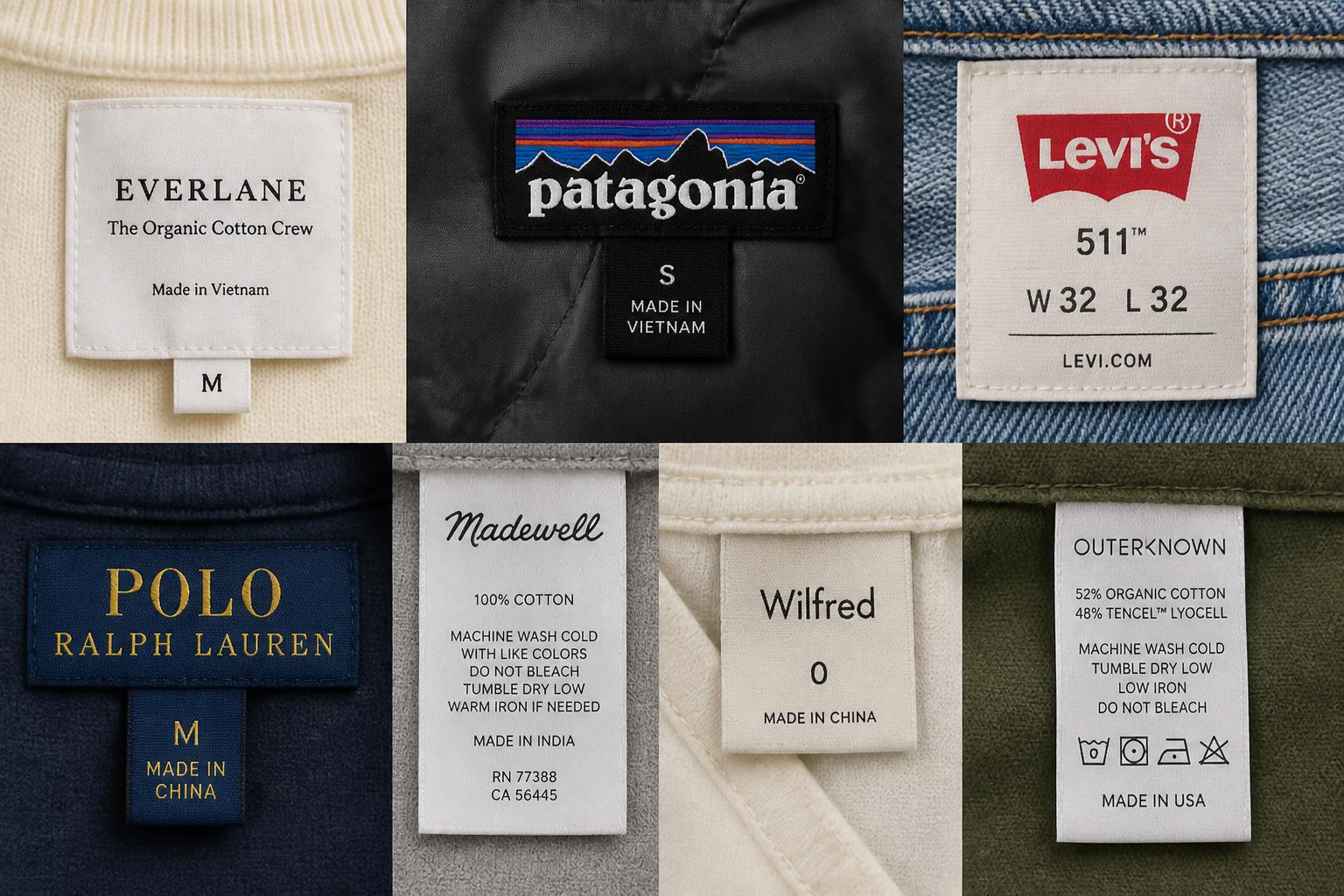
How to Fix It – Add a dedicated Labeling and Packaging section to the Tech Pack. Clearly show:
- Label artwork
- Label dimensions
- Placement
- Sewing method
- Hang tag location
- Polybag dimensions
- Sticker position
- Folding method
- Carton quantity
- Carton marking
Label requirements can also differ by destination market, so confirm applicable legal requirements separately rather than assuming the Tech Pack itself guarantees compliance.
=> Related Articles:
- Garment Labelling Requirements for Clothing
- How to Ensure Accurate Global Care Symbol Usage on Labels
9) Ignoring Version Control
Garment development involves changes. After the first sample, you may adjust:
- Chest width
- Sleeve length
- Fabric
- Pocket position
- Stitching
- Label size
- Artwork placement
After several sample rounds, you may have: V1 → V2 → V3 → V4. The problem begins when the factory does not know which version is final. Production based on an outdated Tech Pack can lead to wrong materials, measurements, or construction.

How to Fix It Put a revision table near the beginning of the Tech Pack. For example:
| Version | Date | Change |
|---|---|---|
| V1 | May 5 | Initial Tech Pack |
| V2 | May 12 | Updated chest and length |
| V3 | May 18 | Revised pocket position |
| V4 | May 25 | Final PPS specifications |
Use clear file names such as: MK001_TechPack_V4_2026-05-25.pdf. Avoid file names such as:
- final.pdf
- final-new.pdf
- final-new-2.pdf
- FINAL-REAL.pdf
They may be funny until someone orders 5,000 zippers from the wrong file.
10) Sending the Tech Pack Before It Is Ready
New brands often rush because they want the first sample immediately. But sending half-complete information rarely saves time. Instead, the factory begins asking questions. Then information arrives through:
- PDFs
- Screenshots
- Voice messages
Soon, there is no longer one clear source of information.
How to Fix It – Before sending the first Tech Pack, complete a basic readiness review. Confirm that the file contains:
- Style identification
- Technical flats
- Base measurements
- POM definitions
- Fabric requirements
- BOM
- Construction details
- Colorways
- Artwork information
- Labels
- Packaging requirements
Some details may still be under development. That is okay. Mark them clearly as: TBC – To Be Confirmed or TBD – To Be Determined. This is much safer than leaving a blank space that the factory may interpret as permission to decide.
Conclusion / Final Words
Your tech pack doesn’t need to be perfect, but it must be clear. Most mistakes happen when the factory has to guess. Before sending, ask: “Can the factory make this without asking me any questions?” If yes, you are ready for production.