



A tech pack is not “nice-to-have.” It is your instruction manual for making a garment the right way, the first time. When your tech pack is weak, the factory has to guess. Guessing causes the same mess every time: extra sample rounds, delays, wrong trims or colors, fit problems, higher costs, stress on both sides Below are the 10 biggest mistakes first-time brands make, plus simple fixes you can apply today.
What a Tech Pack is And What it is NOT?
A tech pack is the factory’s step-by-step guide for making your garment. It turns your design idea into clear instruction what materials to use, how to build each part, what measurements to follow, and how the final product should be labeled and packed. In other words, it helps the factory produce your sample and bulk order with less guessing.
What a tech pack is not is just a pretty mockup, a fashion sketch, a mood board, or a few notes on a drawing. Those show the “look,” but they don’t explain the “how.” If your document still forces the factory to interpret details like stitching, seams, trims, and measurements, then it’s not a real tech pack yet.
- A tech pack: is a production document. It tells a factory how to build your style with clear specs.
- A tech pack is not: a mood board, a Canva mockup, a fashion sketch with a few notes, a screenshot collage from Pinterest
=> Here’s the core rule: “If a factory needs to “interpret,” your tech pack is not ready.”
Now let’s get into the top mistakes.
10 Mistakes Need to Avoid in Your First Tech Pack
1) Mistaking a Mockup for a Tech Pack
A lot of first-time brands send a Canva mockup or a fashion sketch and think it’s enough. But a factory can’t build a garment from “looks” alone. A real tech pack is a technical guide that removes guessing, so the sample matches your design the first time.

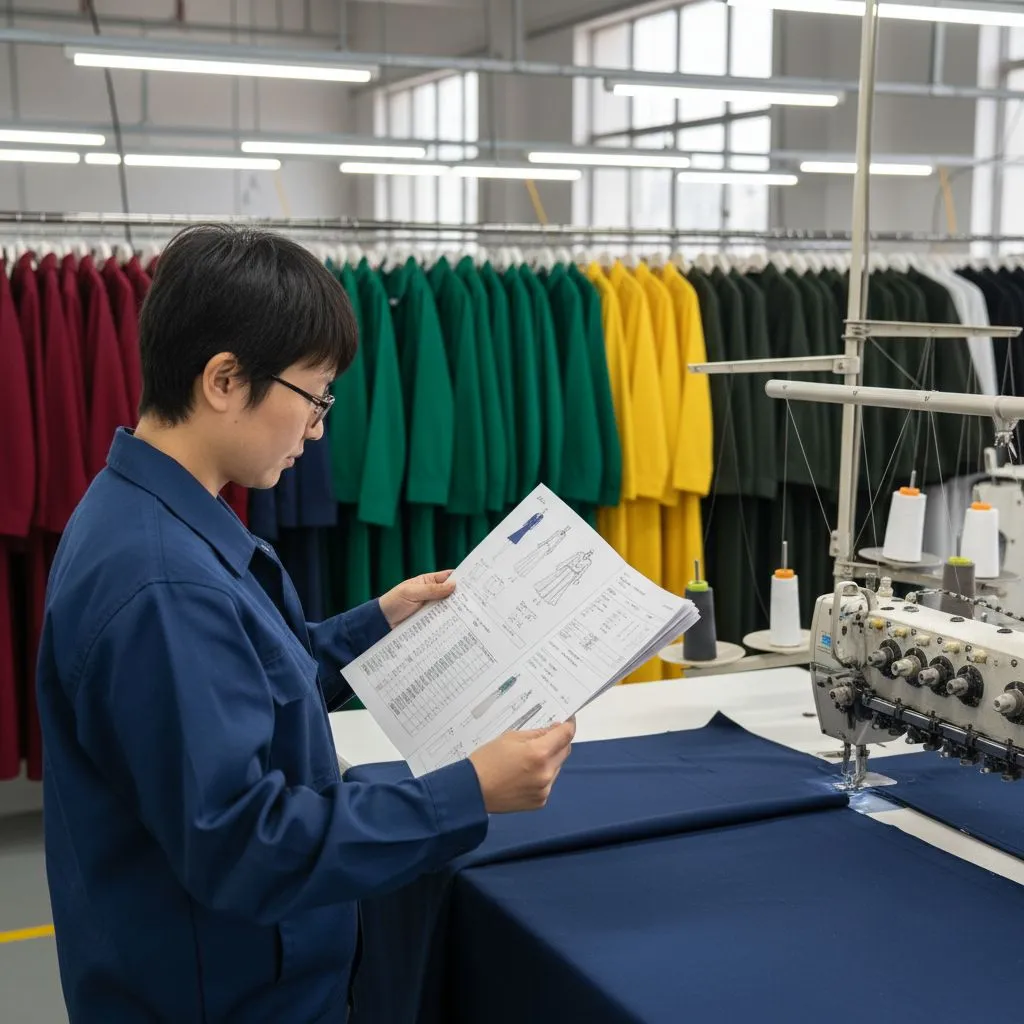
Why this hurts
A mockup shows how the garment should look. A factory needs how it should be made.
A pretty image does not show:
- stitch types
- seam lines
- seam allowances
- pocket build
- collar structure
- finishing steps
How to fix it
Include technical flats (front + back) and construction callouts. Your minimum list should include:
- black-and-white flats with stitching and seam lines
- color flats (optional but helpful)
- fabric + trim specs (BOM)
- measurement spec (POM) + tolerances
- construction notes
- colorways
- labels + packaging
Important Notes: If your style is very simple (like a basic tee), you still need the same structure. “Simple” styles fail the most because people assume “the factory knows.” They don’t know your version.
2) Building a Measurement Chart Without Technical Skill
Measurement charts feel simple, but they’re one of the fastest ways to create sampling delays. If you don’t define points of measure clearly, your numbers can be “correct” and still produce the wrong fit. This mistake often leads to multiple sample rounds that could have been avoided.

Why this hurts

Bad measurements cause endless sampling. One wrong point of measure can break the whole fit.
Common first-timer errors:
- measuring the wrong point
- mixing inches and cm
- measuring “around” instead of “flat”
- no tolerance (±)
- no “how to measure” notes
How to fix it
Use a base size spec first, then grade later.
Do this:
- start with one base size (often M)
- define POM clearly (where the tape starts/ends)
- add tolerance for each key POM (±)
- attach “how to measure” notes
Important Notes: Send a physical reference garment that fits close to what you want. This helps the pattern team copy fit intent faster. Don’t fully outsource your fit thinking. If you let the factory decide everything, your fit becomes “their default,” not “your brand.”
3) Unclear or Incomplete Line Drawings
Your line drawings are the factory’s visual map. When flats are messy, missing stitch lines, or unclear on panel shapes, the factory has to interpret your intent. And once interpretation starts, your final sample can drift far from what you imagined.
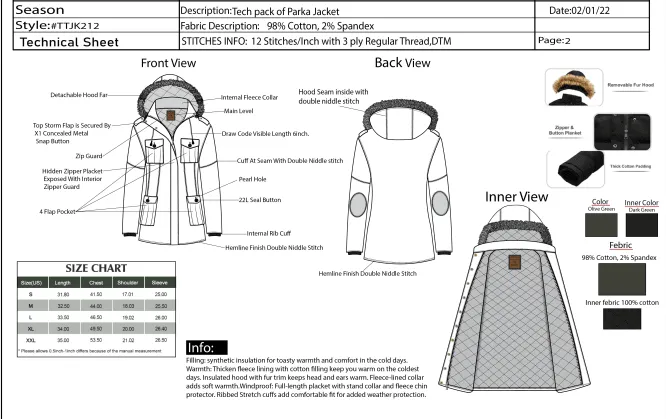
Why this hurts

Flats are the factory’s “language.” If the drawing is vague, the output becomes a guess.
Missing details often include:
- stitch type not shown
- seam lines missing
- pocket construction unclear
- rib placement not defined
- closures not labeled
How to fix it
Make flats clean and technical:
- front + back
- close-ups for complex areas
- label key parts (collar, cuff, placket, pocket)
- show seam lines and topstitch lines
Quick test: Can someone who has never seen your design explain it from the flats alone? If not, your factory can’t either.
4) Conflicting Information Inside the Tech Pack
Even a good tech pack fails when it contradicts itself. If the color name on one page doesn’t match the BOM, or the measurement on page two is different from page five, the factory won’t know which instruction to follow. That confusion creates mistakes that are hard to fix later.

Why this hurts
Factories do not have time to “solve puzzles.” If page A says one thing and page B says another, they will pick one.

Common conflicts:
- measurements differ between pages
- color codes don’t match BOM
- trims listed on one page but not another
- construction shown differently in two diagrams
How to fix it
Do a consistency sweep before sending.
Check these items:
- style code is the same everywhere
- color names match codes
- BOM matches callouts
- spec matches drawings
- any update is added to revision history
Notes: If you keep tweaking as you go, you will create conflicts. Freeze key choices before you “polish.”
5) Only Including a Colored Drawing
Colored drawings help show style and mood, but they often hide technical details. Factories need black-and-white flats because they clearly show seams, stitch lines, folds, and construction steps. Without them, even a simple garment can come back with unexpected changes.
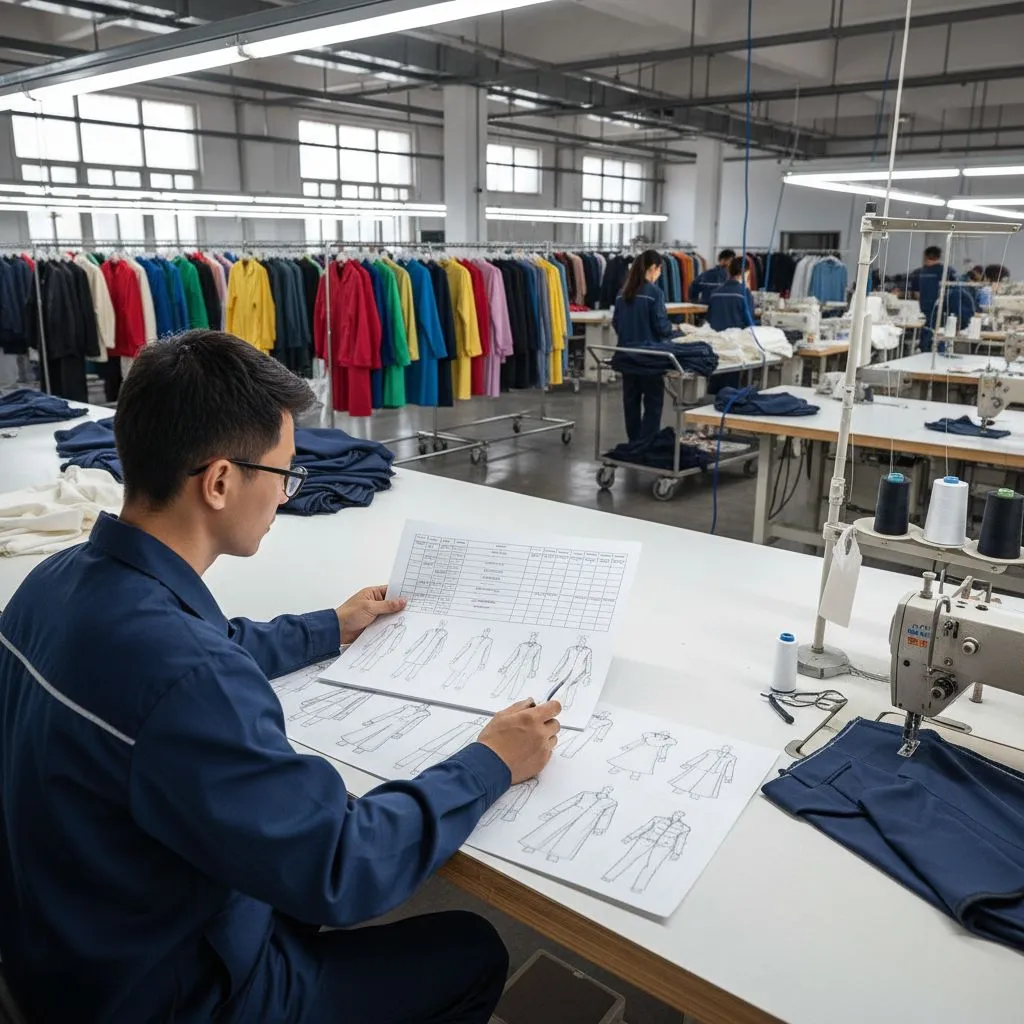
Why this hurts
Color drawings hide technical detail. They are good for look. Not good for build.
Factories need black-and-white flats because they show:
- stitching
- seam lines
- panel joins
- folds
- construction flow
How to fix it
Include both:
- black-and-white flats (must-have)
- color flats (nice-to-have)
6) Not Managing Colorways Properly
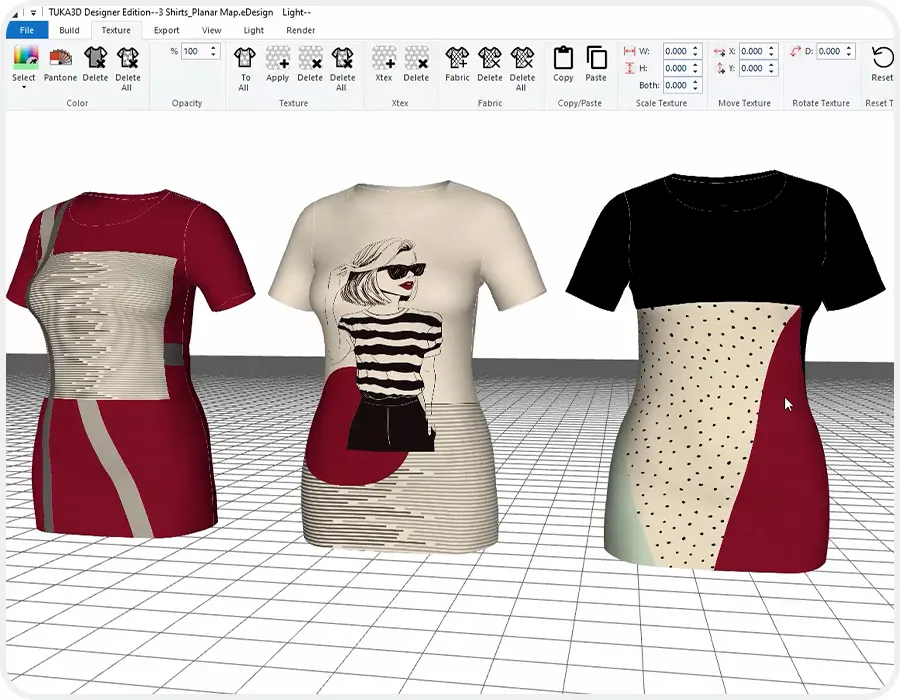
Colorways are not just “the same style in a new color.” Different shades can require different thread matches, trims, labels, or dye handling. When you combine all colors into one unclear document, bulk production becomes the stage where color mistakes happen.

Why this hurts
Colorways change more than just fabric color. When the garment color changes, you may also need changes in:
- thread color
- labels
- drawcords
- zipper tape
- rib dye match
- print inks
- button color
If you mix everything on one page, mistakes happen in bulk.
How to fix it
Use one of these systems:
Option A: Separate tech pack per colorway
Good when trims differ a lot.
Option B: One master tech pack + colorway addendum pages
Good when the build is the same, only colors change.
Notes: “Separate tech pack for each color” can create file chaos if you don’t have strong version control. Choose the method you can manage.
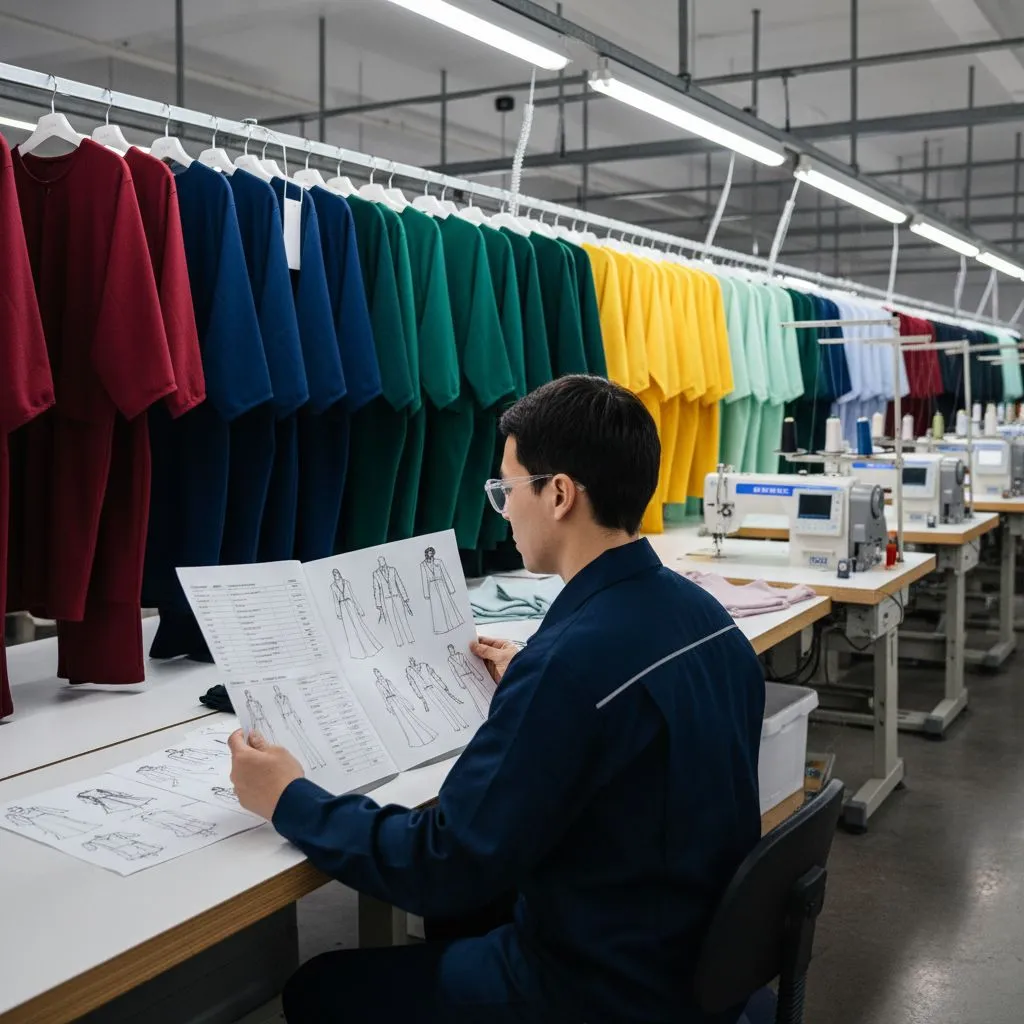
7) Not Stating Expected Bulk Quantity Early
Factories plan production based on numbers. If you don’t share estimated bulk quantities early, they can’t confirm MOQ, capacity, lead time, or accurate pricing. This small detail affects whether your project runs smoothly or stalls before it even begins.
Why this hurts
Quantity affects everything:
- whether the factory accepts the order
- MOQ fit
- capacity planning
- pricing
- timeline
If you hide quantity, the factory may quote wrong or delay decisions.
How to fix it

Add a line early in your tech pack or email:
- estimated bulk qty per colorway
- size breakdown (even rough)
- target delivery date
Notes: You don’t need perfect numbers. A range is better than nothing (example: “300–500 pcs”).
8) Forgetting Packaging and Label Requirements
Many brands treat labels and packaging like a “final step,” but they are part of manufacturing. Missing label placement, care label content, or packaging specs can delay bulk even if the garment itself is perfect. Getting this right early protects consistency across every unit you sell.
Why this hurts
Labels and packaging are not “later.” They affect cost, lead time, and production steps.
Common misses:
- missing care label placement
- no label artwork
- no fold/pack instructions
- no polybag size or sticker info
- no carton marking requirements
How to fix it
Add a Label + Packaging page that includes:
- main label size, material, placement
- care label text and placement
- hangtag details (if any)
- polybag type, warning sticker, size label sticker
- carton pack ratio (if known)
Notes: If you sell in more than one market, label rules can differ. Don’t assume one label works for every country.
9) No Version Control or Revision History

Tech packs change, and that’s normal, but unmanaged changes create chaos. If you send updates without version numbers, the factory might sample from an old file or order the wrong trims. A simple revision system prevents expensive “we used the wrong tech pack” problems.
Why this hurts
This is a silent killer.
If you send updates with no version number, the factory may:
- use an old PDF
- sample from the wrong spec
- order the wrong trims
That mistake can cost weeks.
How to fix it
Add a revision table on page 1:
- Version (V1, V2, V3…)
- Date
- What changed
- Who approved
Also rename files clearly: StyleCode_TechPack_V3_2026-02-11.pdf
10) Sending the Tech Pack Before It’s Ready
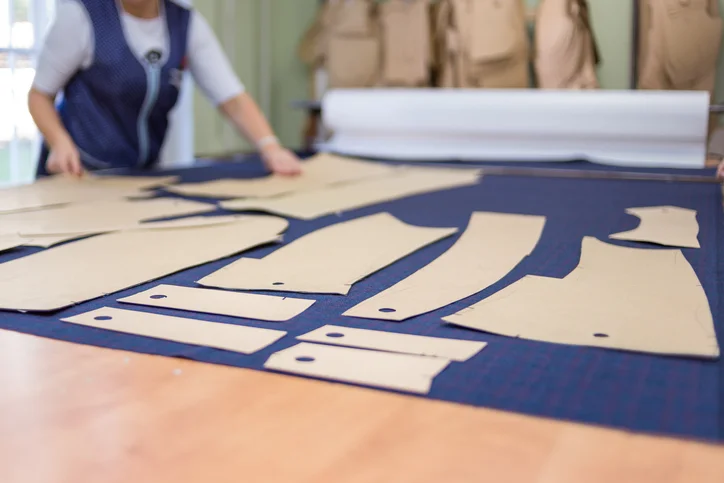
When you rush a tech pack, you don’t speed up production, you usually slow it down. Gaps in specs, unclear drawings, or unfinished BOM details lead to more questions and more sample rounds. A more complete tech pack upfront is the quickest path to a clean, accurate first sample.
Why this hurts
Rushing feels fast, but it creates slow results.
A half-ready tech pack causes:
- more questions
- more sampling
- more mistakes
- more delays
How to fix it
Use a “ready to send” checklist.
Before you send, confirm:
- drawings are clear
- all measurements are present and realistic
- tolerances are set
- BOM is complete
- construction notes are clear
- colorways are organized
- label + packaging requirements are included
- revision history is filled
- the whole file is consistent
=> Notes: Sometimes you should send early BUT only if you label it as “concept sp
Final Words / Conclusion
Your first tech pack doesn’t need to be perfect it needs to be clear and consistent. Most mistakes happen when the factory has to guess, which leads to extra samples, delays, and higher costs. Before you send, do one final check: Can the factory make your garment correctly without asking you questions? If yes, you’re ready. If not, fix the gaps now because it’s always cheaper than fixing bulk.